How to Backup Your Entire Site or a Part of your Site
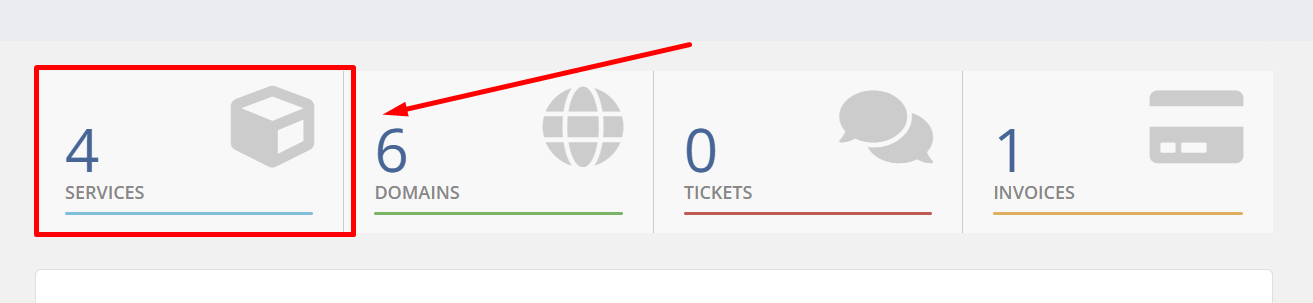
1. Go to the Services tab at the top
2. Then click on your preferred Product/Service
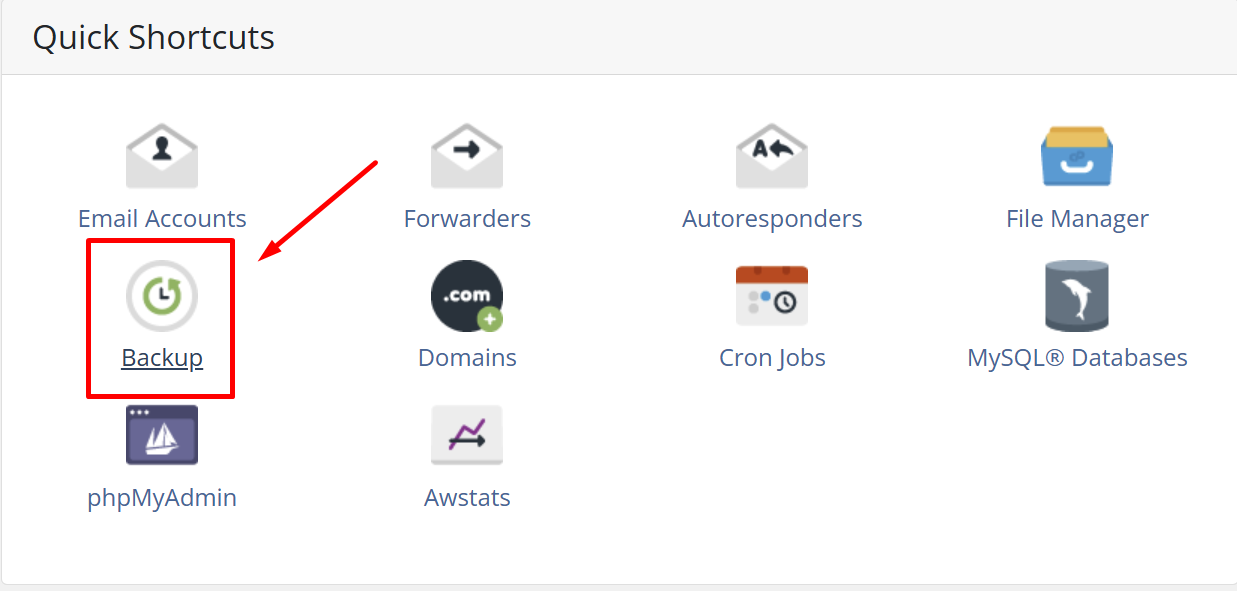
3.Click on Backup
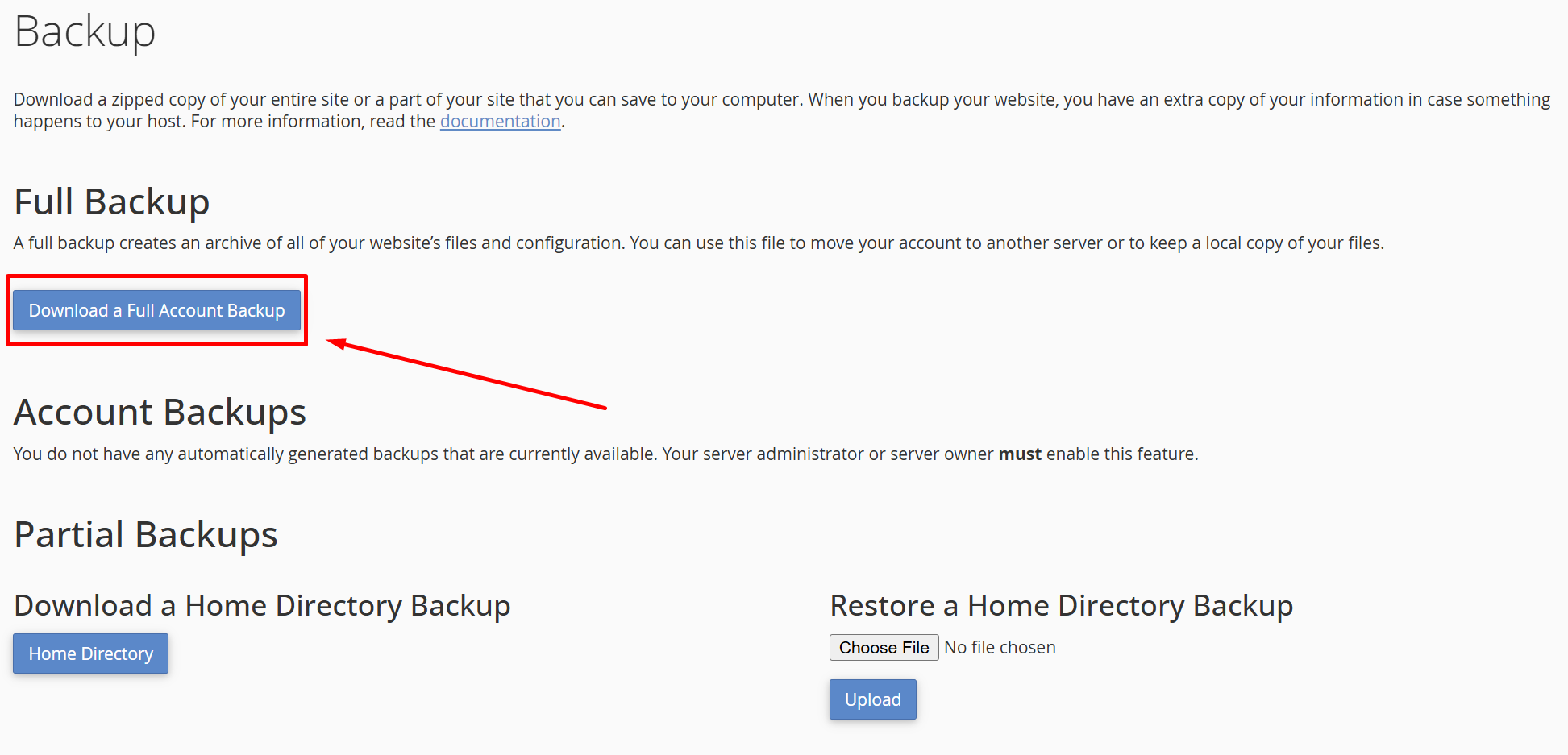
4. Click "Download a Full Account Backup"
If you receive an email that your Joomla! website is ready to be updated and you have already new...
Pay attention to the Time-based activation expiration and the Remaining Windows rearm count....
When transferring a .com/net/org/info/biz/etc domain from one domain registration provider to...
Copyright © 2026 MARKSYSTEM. All Rights Reserved.